
One adult starts the group
The family organizer creates the first account using an email address and makes an invitation for each person joining.
For iPhone beta testers and families considering AGAP
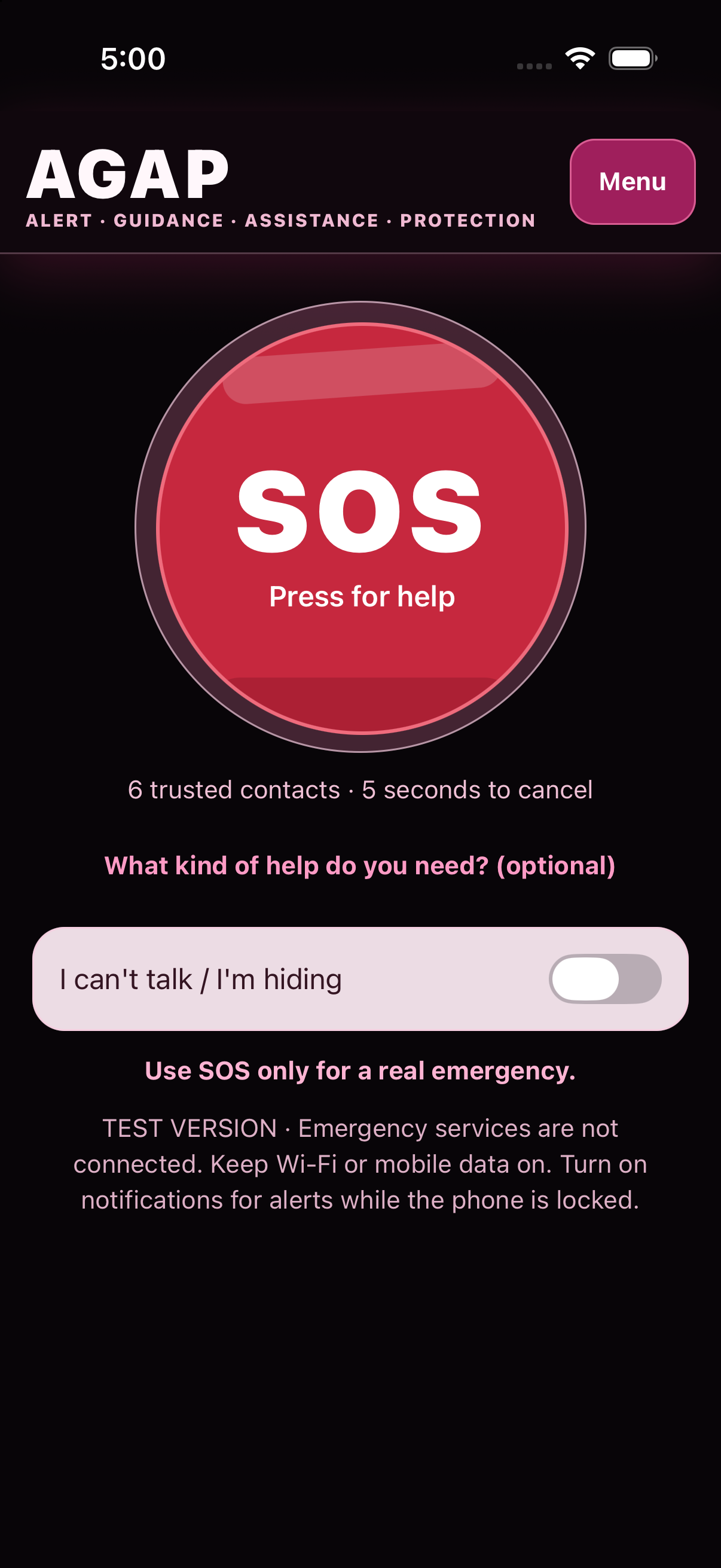
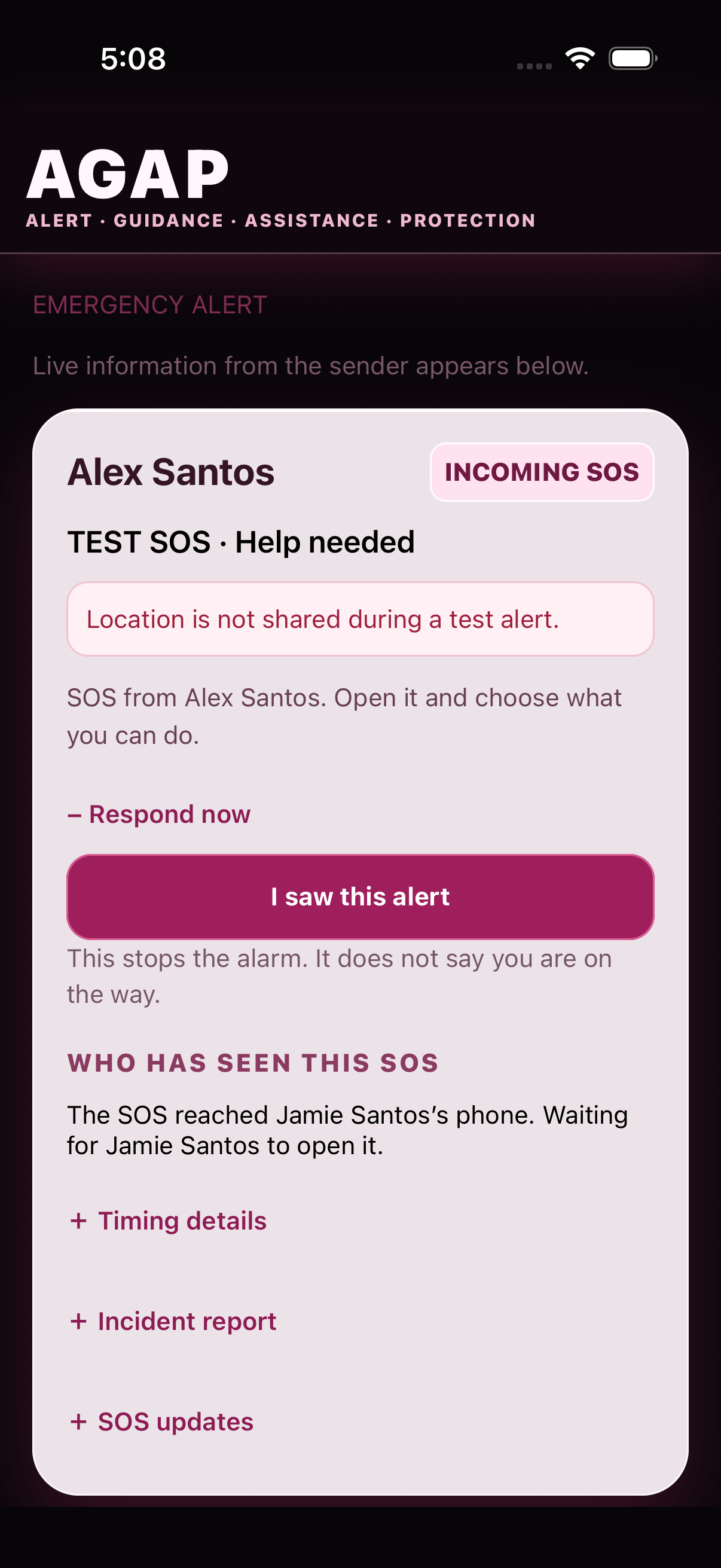
AGAP is a beta emergency alert app for people who agree to receive one another's alerts. Add family members, friends, caregivers, or colleagues to a private group. If any confirmed member presses SOS, AGAP attempts to send the others the sender's name, a loud alarm, and the location it was able to obtain. Every confirmed member may send and receive an SOS.
This is a beta test. AGAP may fail. Do not rely on it during a real emergency.
What AGAP is for
A person may be injured, frightened, hiding, disoriented, or unable to explain what is happening. AGAP gives that person one large SOS button and attempts to alert the confirmed people in their private group at the same time.
How to set it up
Scanning a QR invitation does not create an active connection by itself. Confirm the person's name and relationship, then test both phones together.
The family organizer creates the first account using an email address and makes an invitation for each person joining.
A child or invited family member may join without creating an email account. The organizer checks and confirms the person's name and relationship.
Keep both phones together. Test Phone A to Phone B, then reverse the roles. Check the alert, alarm, location, and acknowledgement.
What happens after SOS
AGAP sends the alert without waiting for a perfect GPS position. If the phone obtains a location, AGAP attempts to share it while the SOS remains active.
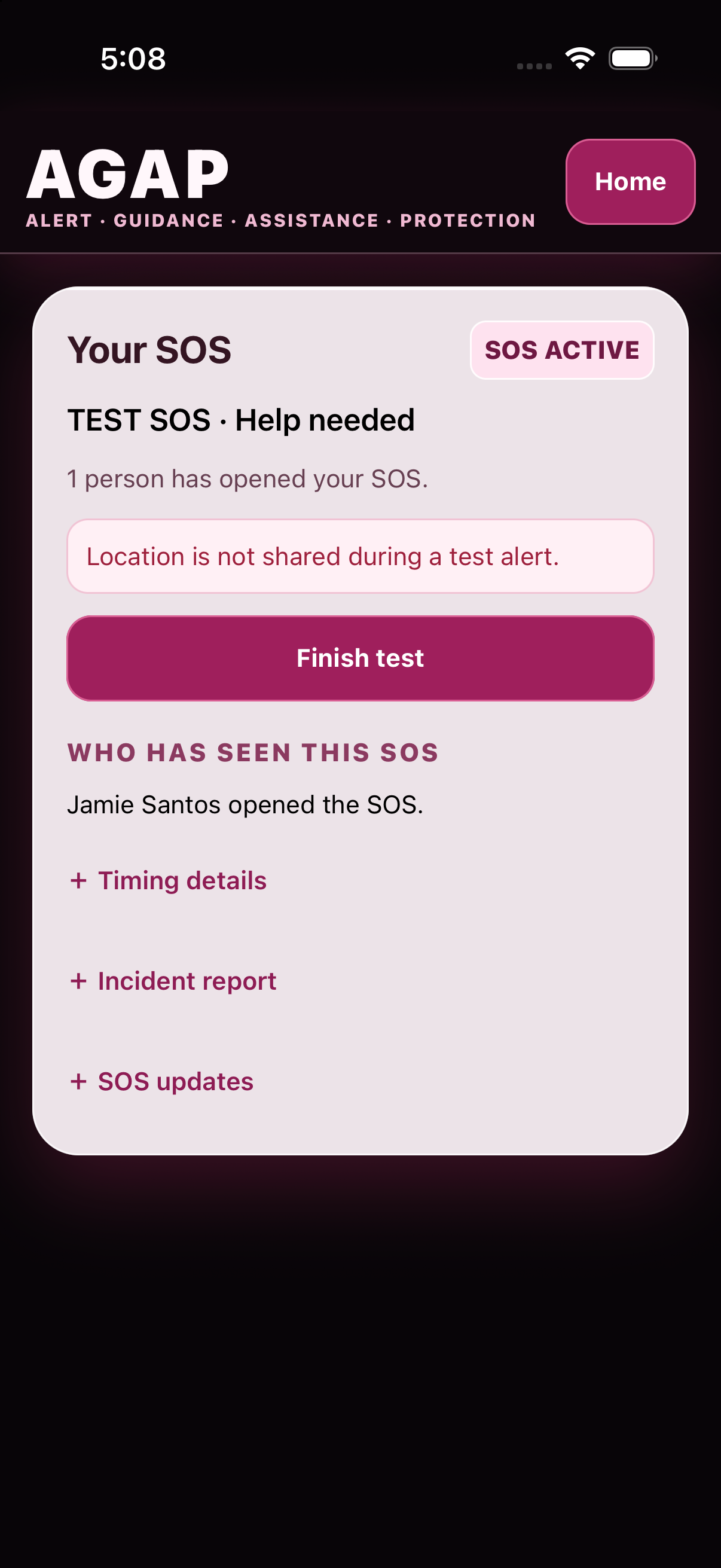
What each update means: Sent is not the same as phone delivery. Phone delivery is not proof that a person heard the alarm. Acknowledged is not the same as responding. Responding is not the same as arrival or confirmed safety.
Who this is for
This website is for people considering the iPhone beta, current testers, and families or care groups deciding whether AGAP would be useful to them. The current beta is for personal groups.
A family can add several members so an SOS does not depend on reaching one person by phone.
The home screen keeps the SOS button easy to find. Confirmed family members receive the child's alert and available location.
A person who falls, becomes disoriented, or cannot make several calls can alert their chosen family members or caregivers together.
They can alert people who already understand their needs. Optional health and assistance information remains on the phone.
Several caregivers can receive the same alert and see which person has opened it instead of assuming someone else responded.
A student, commuter, jogger, driver, or worker can alert the people they added when they feel unsafe or need urgent help.
Schools and other organizations are not part of the current public beta. School, workplace, security-team, police, and emergency-service connections require separate controls, testing, and formal agreements.
Examples
These examples show personal AGAP networks. In each case, the alert goes only to the people already added and confirmed by the user.
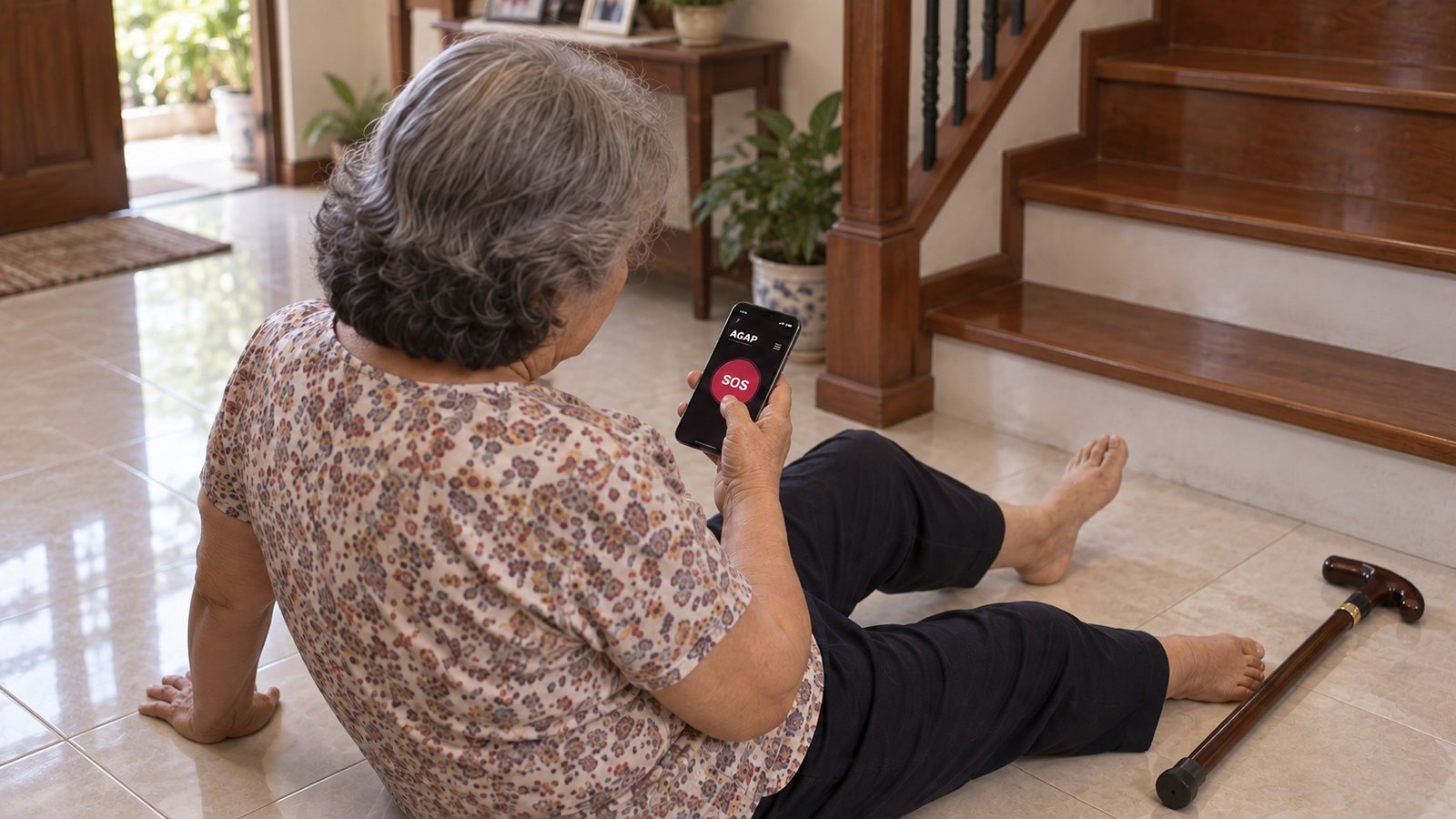
A fall at home
Pressing SOS attempts to alert the senior's confirmed contacts. They see who sent it and the location AGAP was able to obtain.

Feeling unsafe
AGAP attempts to send the SOS and available location to the jogger's confirmed contacts. It does not contact police automatically.

A campus emergency
Students can notify their own AGAP contacts while sheltering. The present beta does not alert the school, security, or emergency services.
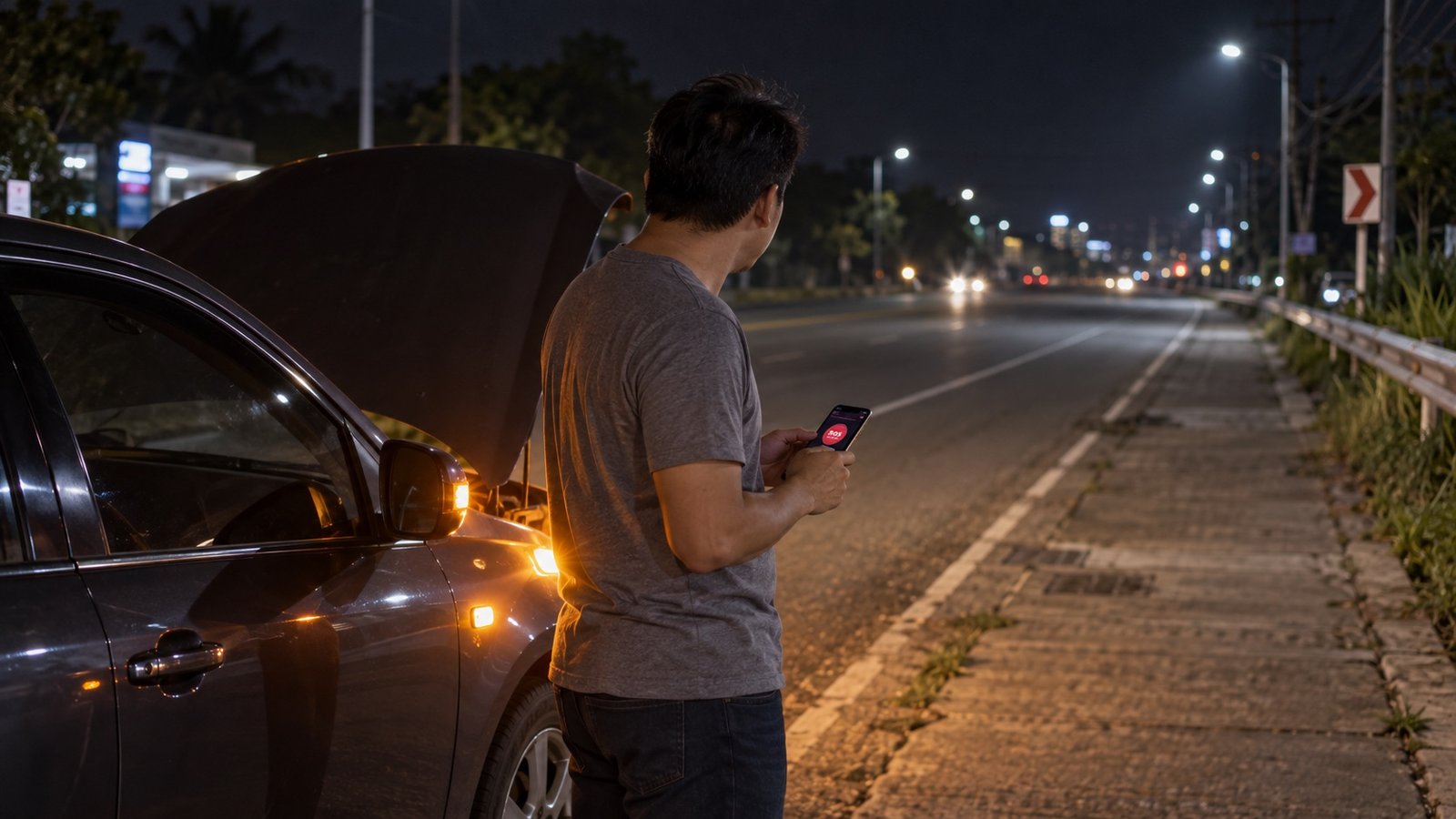
Stranded on the road
AGAP attempts to alert the driver's confirmed contacts together. Roadside assistance and emergency services are not contacted automatically.
“Confirmed contacts” means people you added to your AGAP network and approved. AGAP does not automatically call or dispatch police, fire, ambulance, roadside assistance, or other emergency services.
What can go wrong
AGAP does not replace 911, police, fire, ambulance, security personnel, or nearby help. During an emergency, call the appropriate emergency number or seek help another way whenever you can.
Test AGAP on iPhone
The beta is distributed through Apple's TestFlight app. Use two iPhones and test with another person who agrees to receive your alerts.